




LATEST AI TOOLS ADDED

CoPilot

Copilot

Microsoft Copilot is an AI assistant that helps with writing, research, summaries, data analysis, and day-to-day work, especially inside other Microsoft apps
ChatGPT

ChatGPT

ChatGPT quickly answers questions, does deep research and analysis, helps you solve problems, writes code, and assists with a wide variety of everyday tasks
Gemini

Gemini

Gemini quickly answers questions, helps with research and analysis, solves problems, writes and explains code, and assists with a wide range of everyday tasks

TRIED THIS AI TOOL? GIVE IT A RATING IF YOU HAVE

Average rating 4 out of 5 from 1 votes cast

There have not been any votes cast yet

What is Gemini

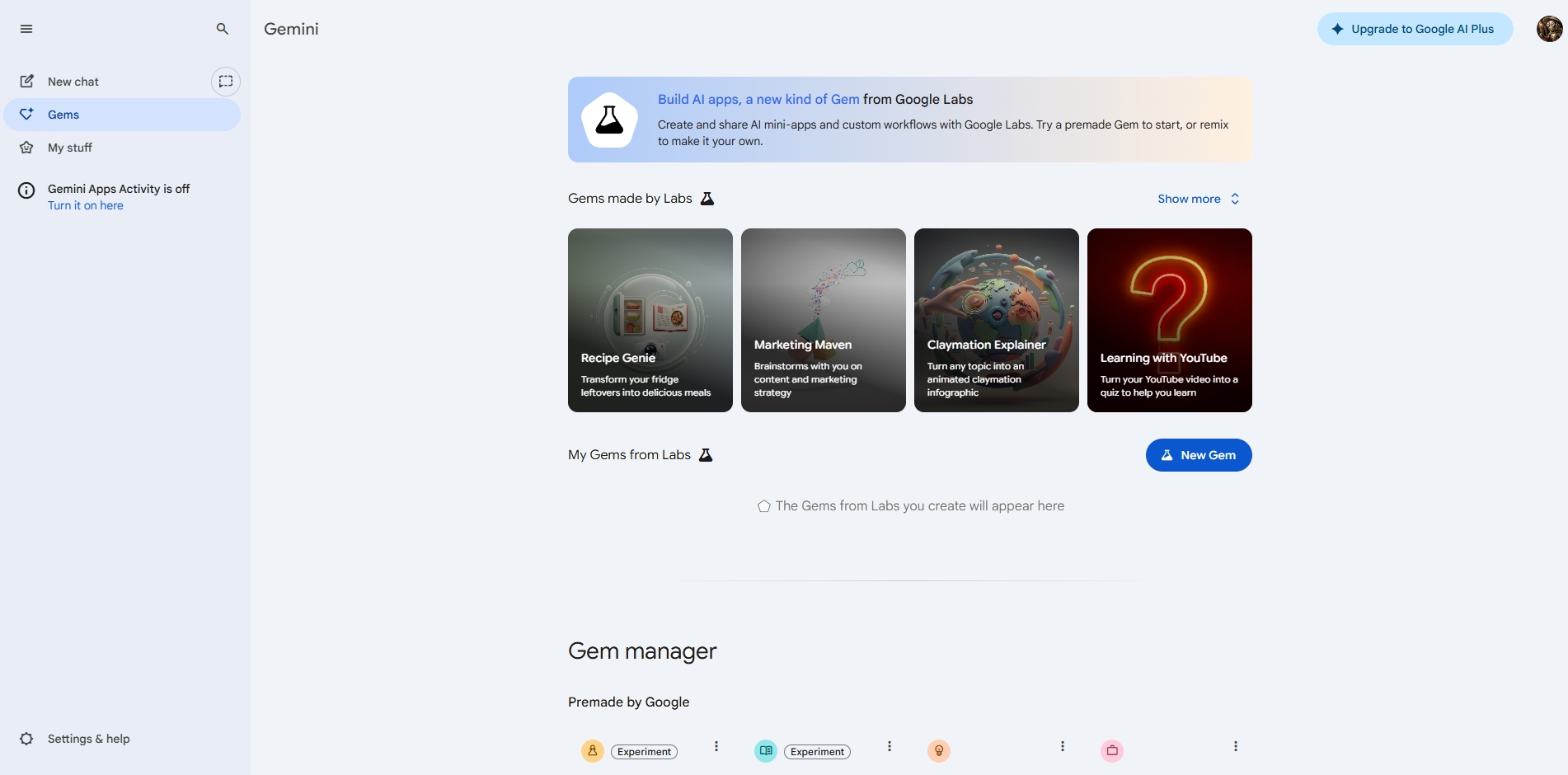
Gemini by Google is a Large Language Model built to work closely with Google’s ecosystem and strength in information retrieval. It is trained on large amounts of text and data to understand language, generate responses, and reason across topics, making it useful for answering questions, explaining concepts in a simple manner, assisting with writing, research, analysis, planning, problem-solving, and coding. Gemini is designed with a strong focus on search-style queries, structured information, and multimodal inputs like text and images. Because it responds naturally to how you ask questions and integrates with Google tools you might already be familiar with, it can be used for both professional work and everyday tasks without requiring technical skills or prior experience with AI software. 

How to use Gemini

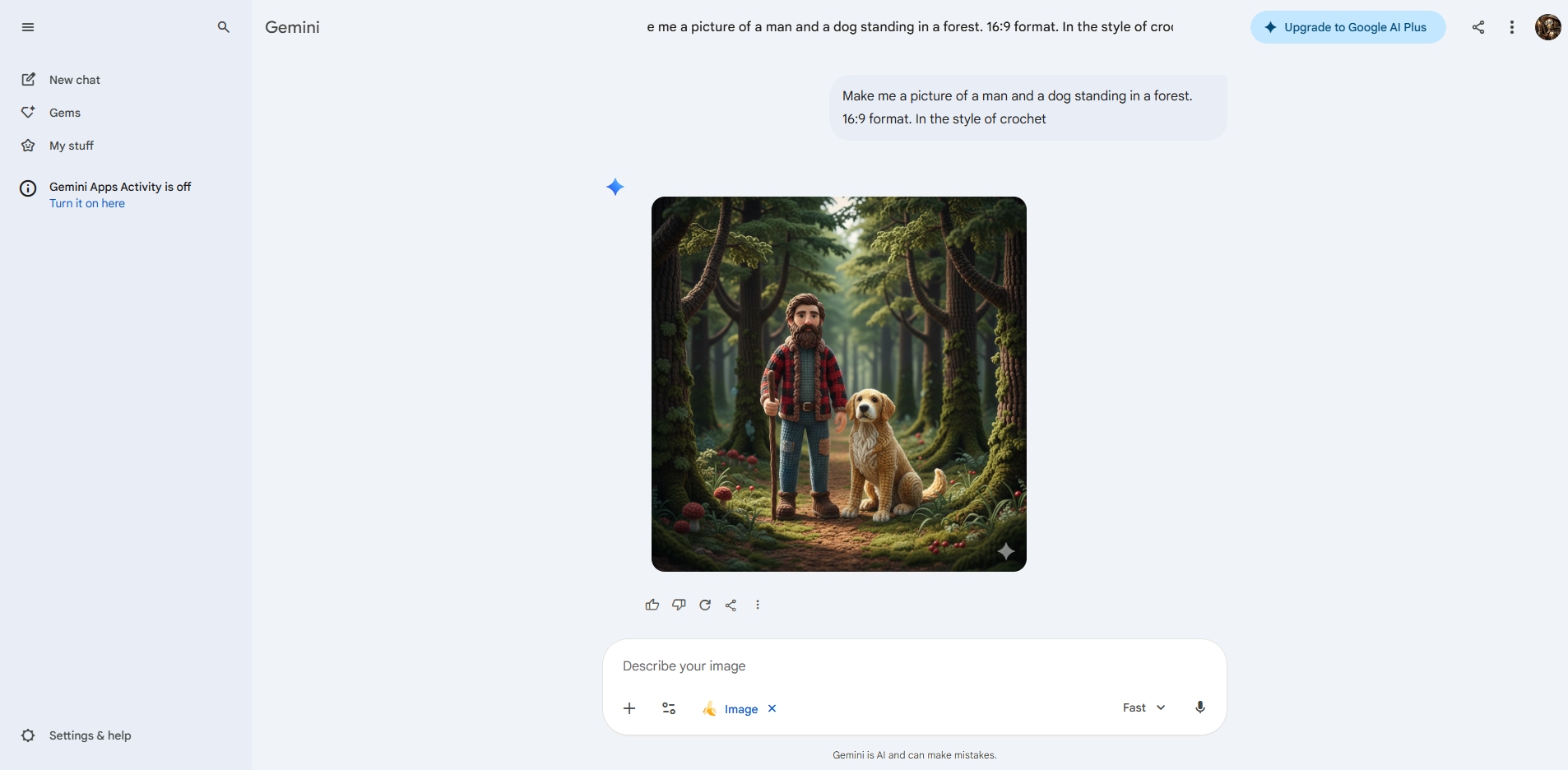
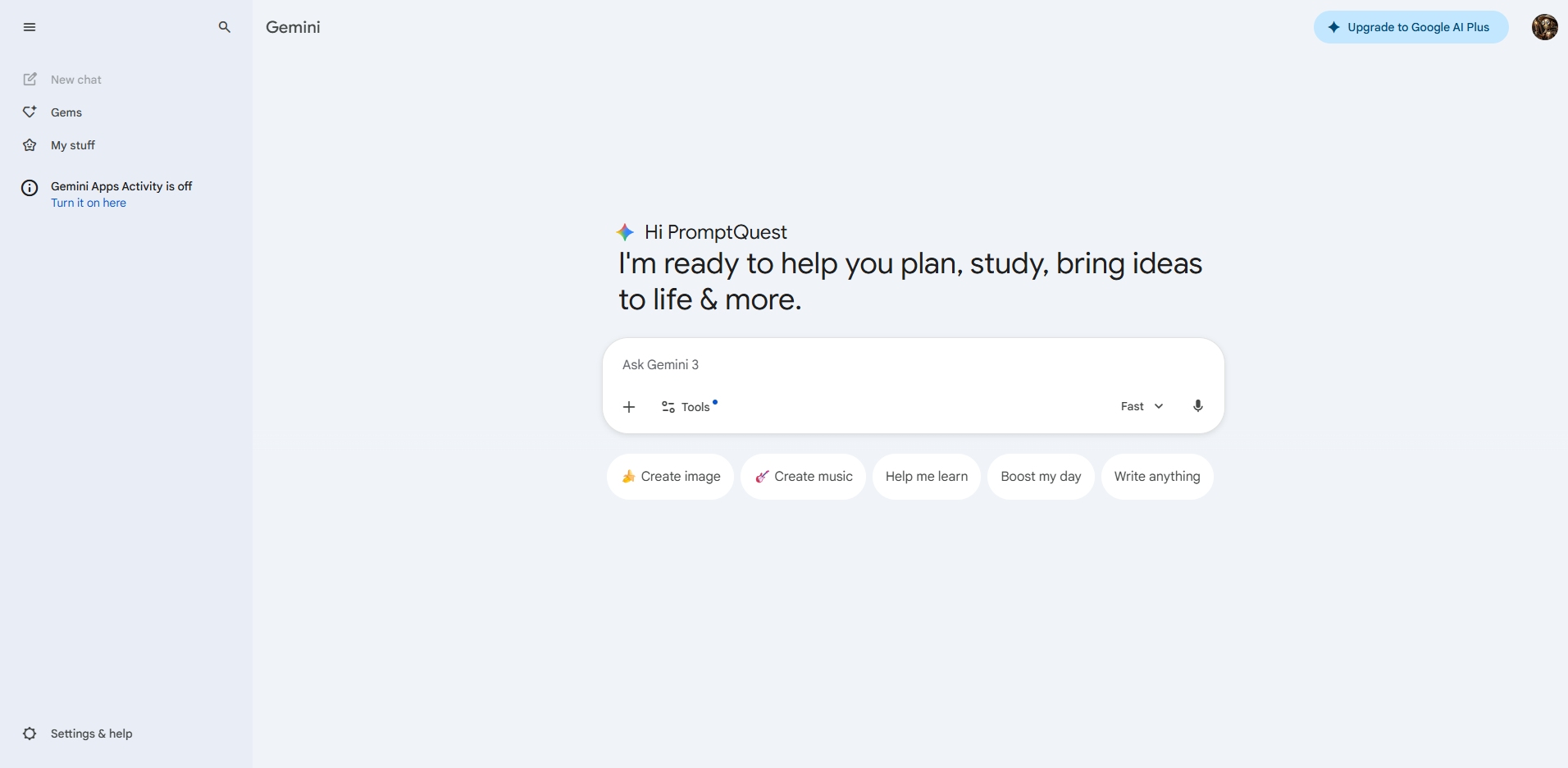
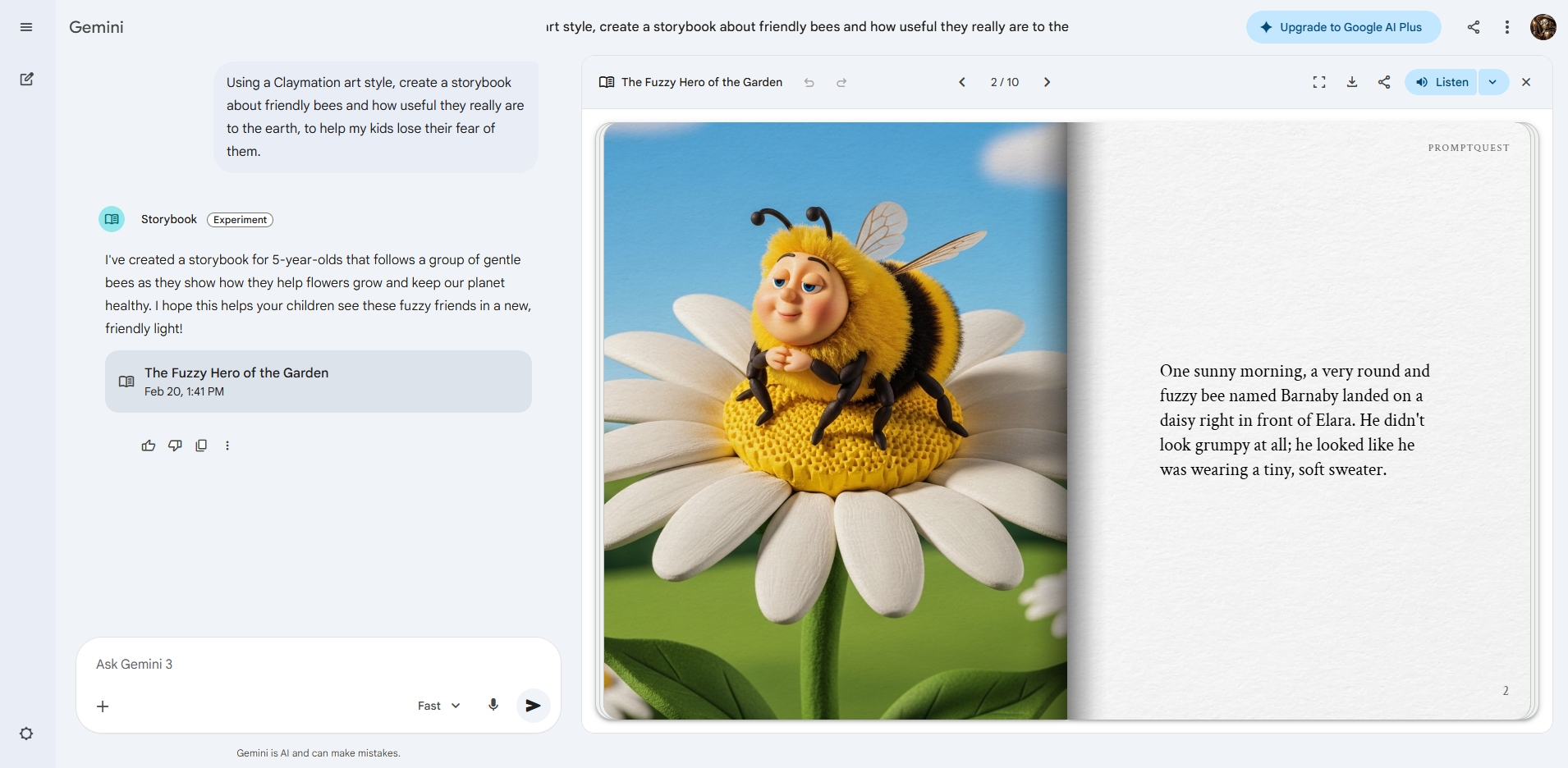
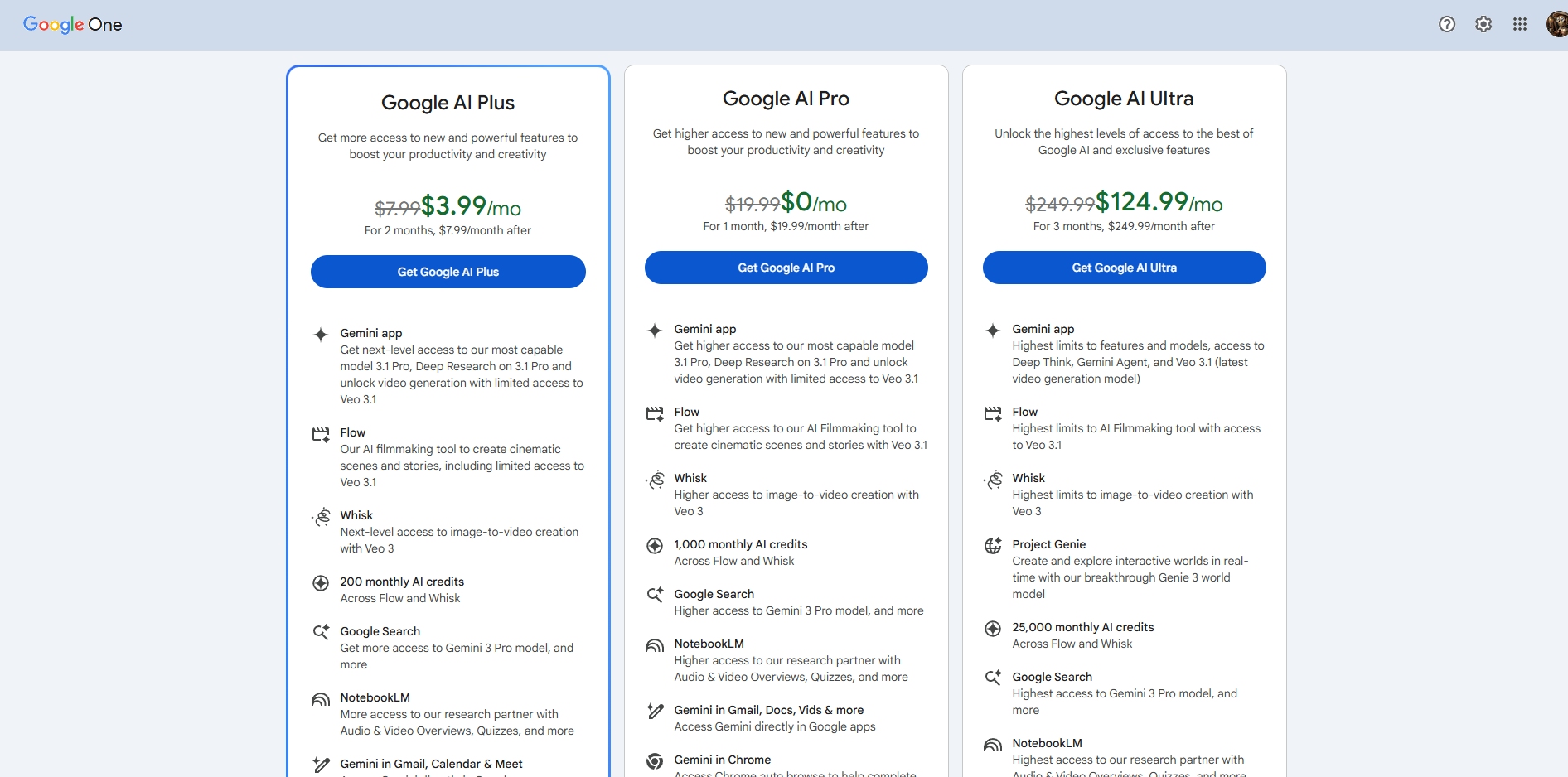
To start using Gemini, go to the website and sign in with your Google account. If you don’t have one already, you can create one there in a couple of minutes and sign in with that. Gemini is available on a free plan that works well for many everyday tasks, with the option to upgrade to a paid plan for higher usage limits and additional capabilities and features. Depending on your plan and region, this can include image generation using Nano Banana Pro and video generation using Veo 3, along with other advanced features.

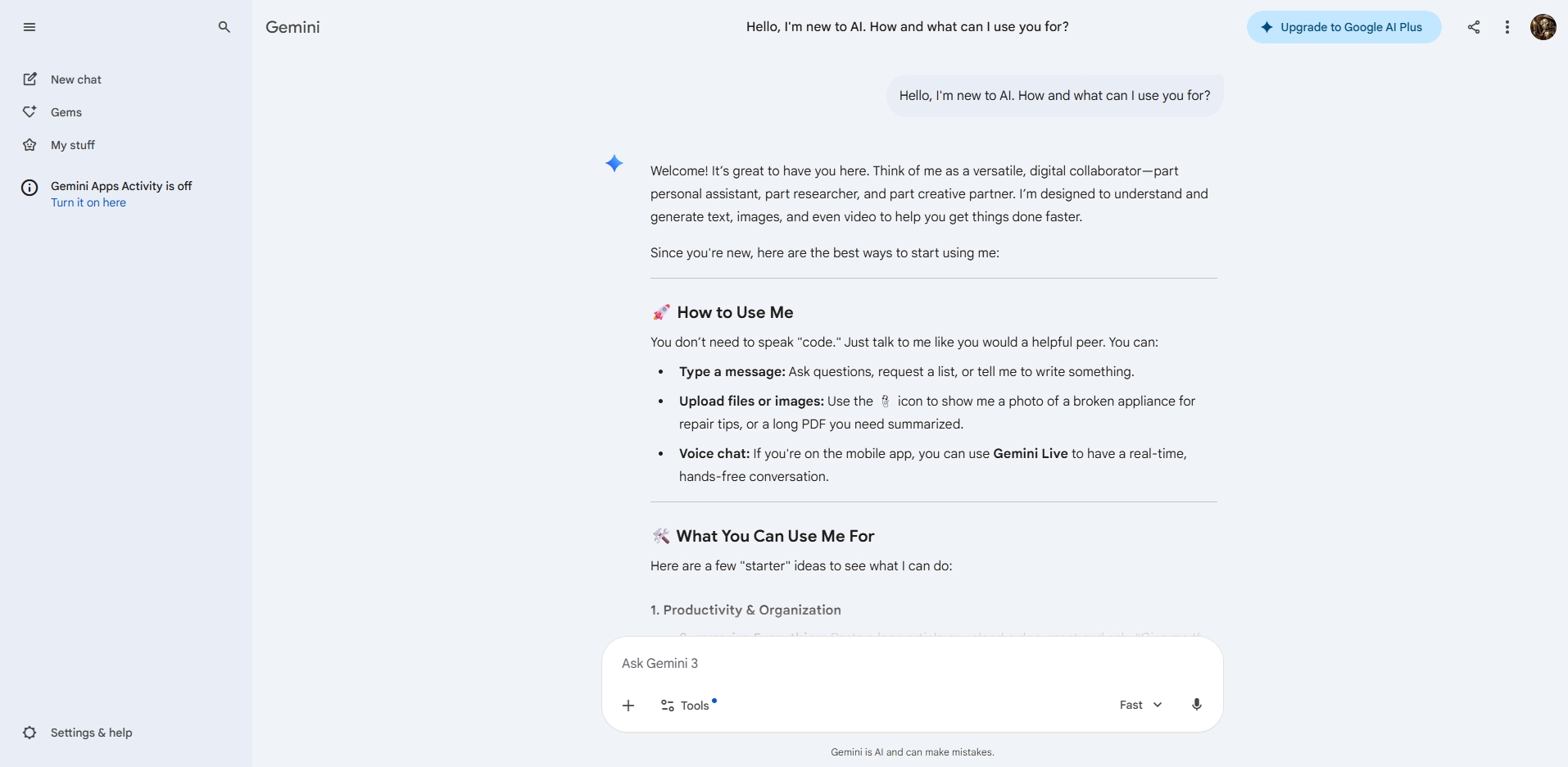
Gemini works by responding to text instructions, often called prompts. You describe what you want help with, and it replies in plain language. It can write or edit text, summarize information, explain topics, help with research, answer questions, and assist with planning or problem-solving. Clear and specific prompts usually give better results, and if the response isn’t quite right, you can refine it by adding more detail or asking follow-up questions. You can also ask Gemini itself to make the prompt for you if you are unsure how to proceed.

Gemini Resources

Various resources to learn more about how to use this tool, understand its capabilities better, and get ideas for different ways to use it


This video will guide you through the basics of using Gemini. If you have never used Gemini before, then this video is a great place to start

Once you have mastered the basics of using Gemini and are ready for some more advanced use cases, the video above is worth watching

If you want an overview of the various features that Gemini has to offer, then this video from Skill Leap AI is worth taking a closer look at

Similar AI tools

CoPilot

Copilot

Microsoft Copilot is an AI assistant that helps with writing, research, summaries, data analysis, and day-to-day work, especially inside other Microsoft apps
Average rating 4 out of 5
ChatGPT

ChatGPT

ChatGPT quickly answers questions, does deep research and analysis, helps you solve problems, writes code, and assists with a wide variety of everyday tasks
Average rating 4.5 out of 5