

LATEST AI TOOLS ADDED

CoPilot

Copilot

Microsoft Copilot is an AI assistant that helps with writing, research, summaries, data analysis, and day-to-day work, especially inside other Microsoft apps
Gemini

Gemini

Gemini quickly answers questions, helps with research and analysis, solves problems, writes and explains code, and assists with a wide range of tasks
ChatGPT

ChatGPT

ChatGPT quickly answers questions, does deep research and analysis, helps you solve problems, writes code, and assists with a wide variety of everyday tasks

TRIED THIS AI TOOL? GIVE IT A RATING IF YOU HAVE

Average rating 4.5 out of 5 from 2 votes cast

There have not been any votes cast yet

What is ChatGPT

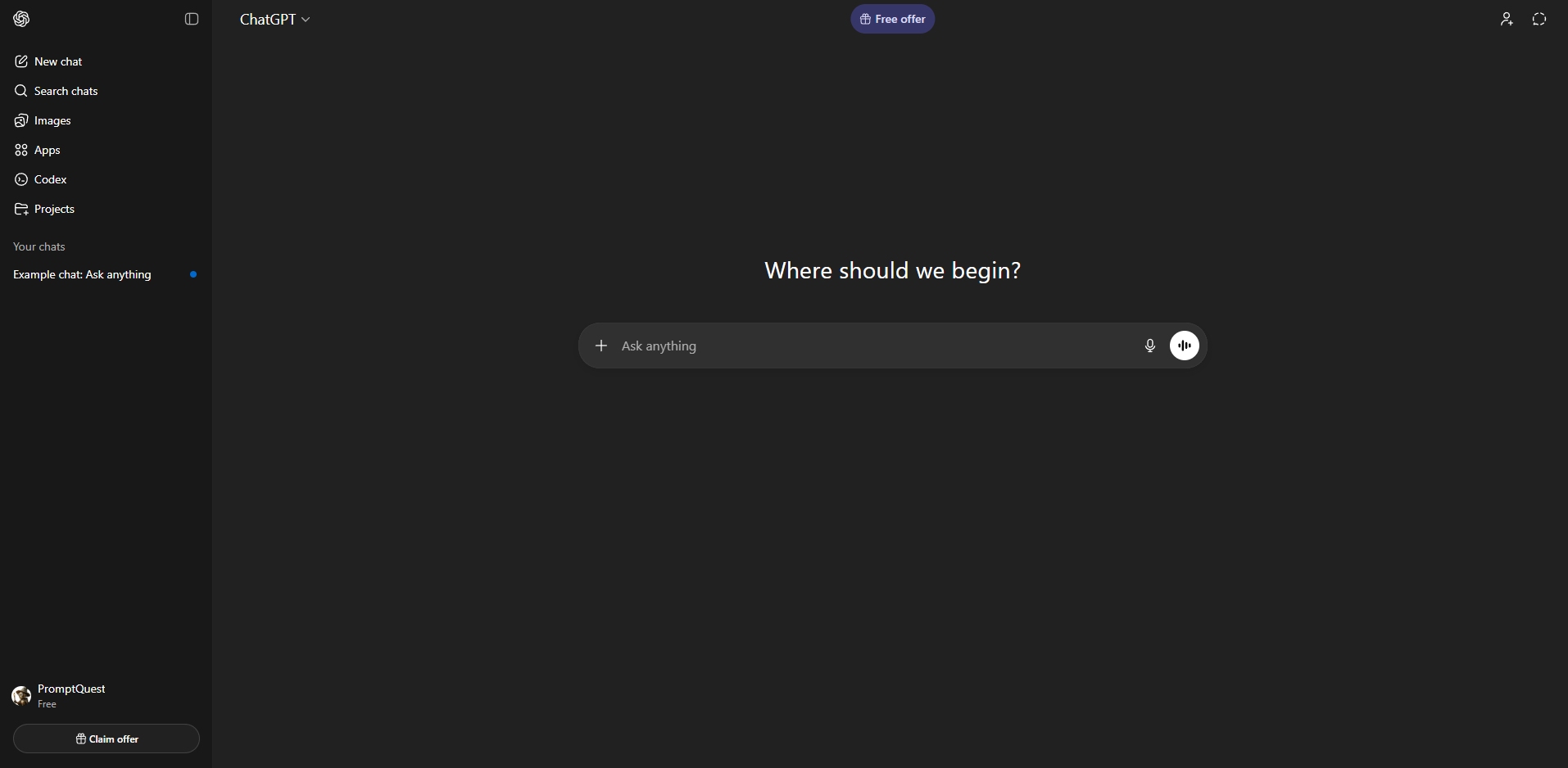
ChatGPT by OpenAI is a Large Language Model, referred to as LLM. It is a type of AI trained on vast amounts of text so it can understand language, generate responses, and predict what words should come next. This allows it to answer questions, write content, explain topics, and hold conversations in a way that feels natural to humans.  It can be used to explain things in simple, easy-to-understand terms, assist with writing, research, planning, problem-solving, and coding. Because it adapts to how you ask questions, ChatGPT is useful for both professional work and personal, day-to-day needs without requiring technical skills. Rather than following fixed menus or workflows, it responds directly to what you ask, making it easy to use the same tool for many different tasks depending on the situation.

How to use ChatGPT

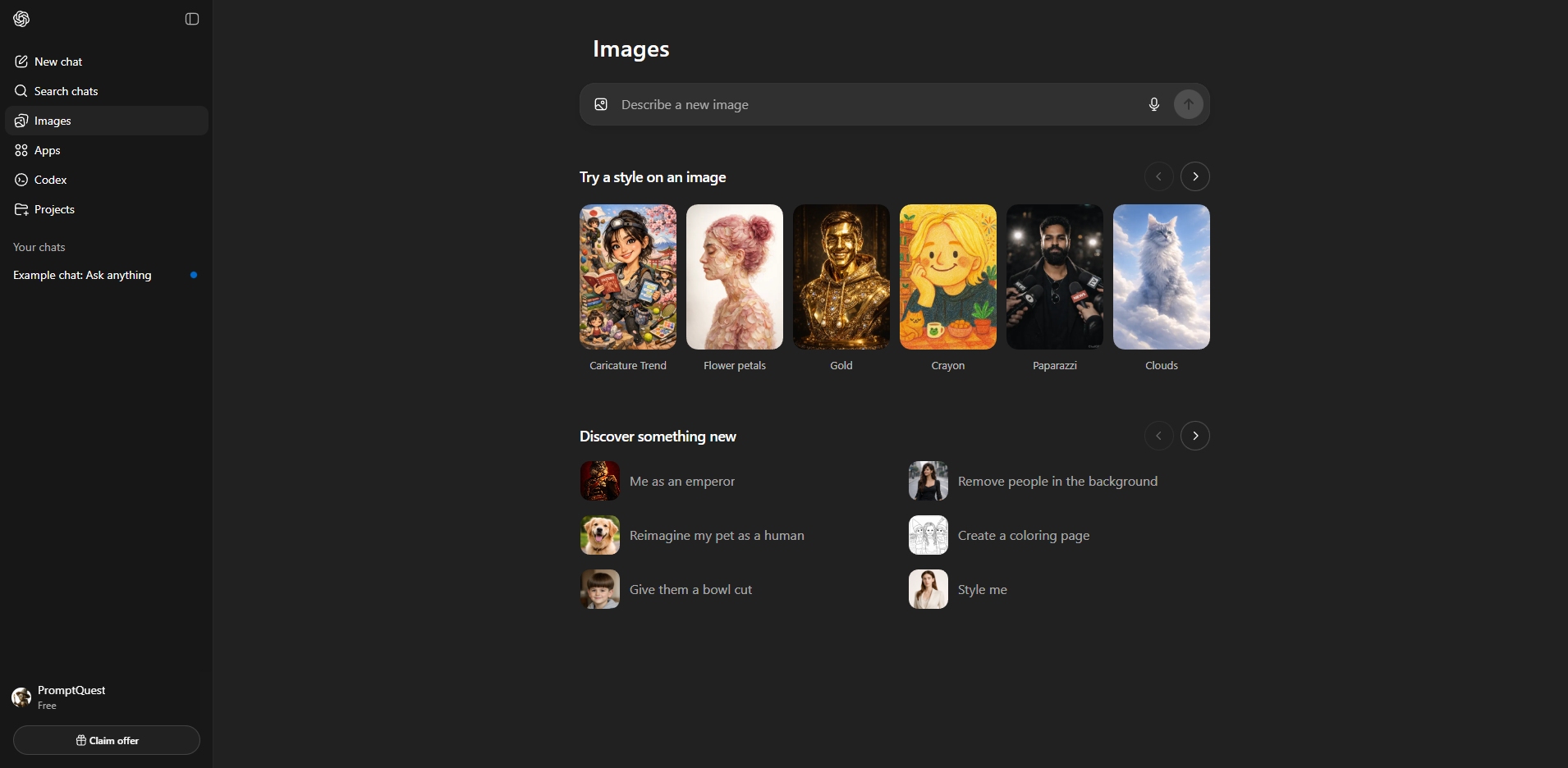
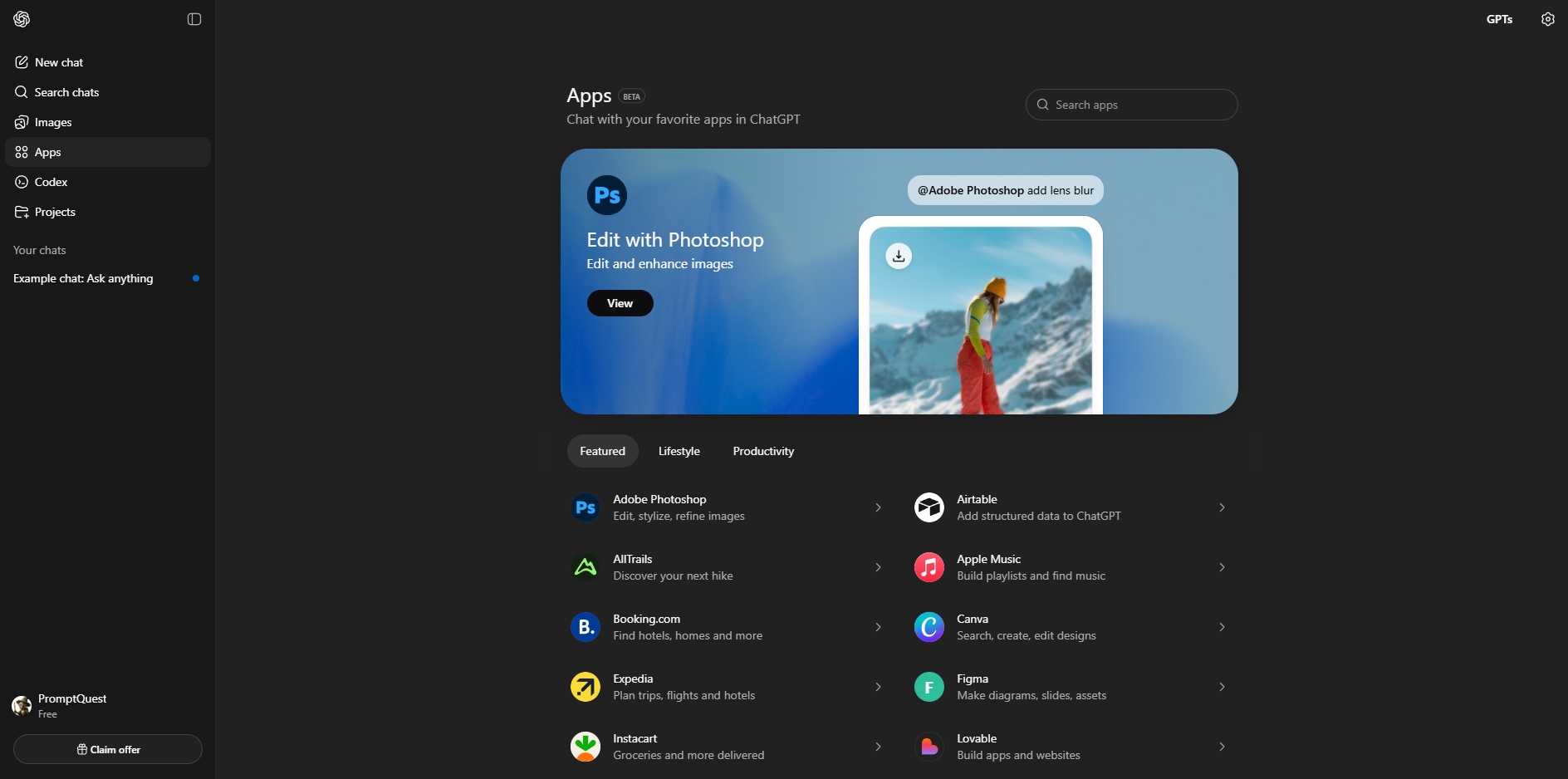
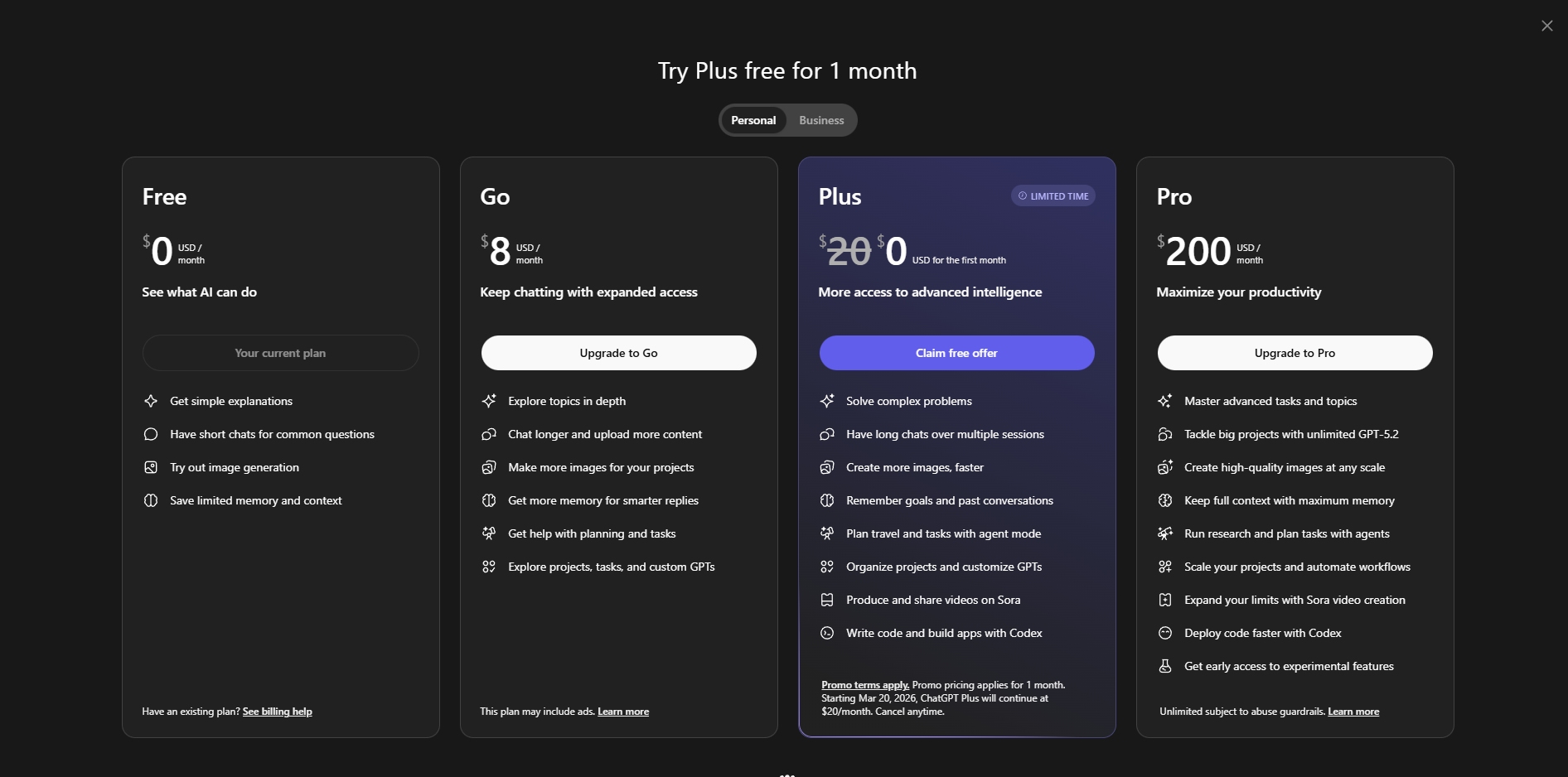
When you visit the ChatGPT website, you can start a conversation instantly without registering for an account. If you want to save your conversations or access additional features, you’ll need to sign up for an account. ChatGPT is available on a free plan, which is sufficient for simple questions and everyday use, but it comes with limitations. To unlock more advanced features such as file uploads and higher image generation capabilities, a paid plan is required. There are  3 plans to choose from: Go, Plus, and Pro, which is quite expensive.

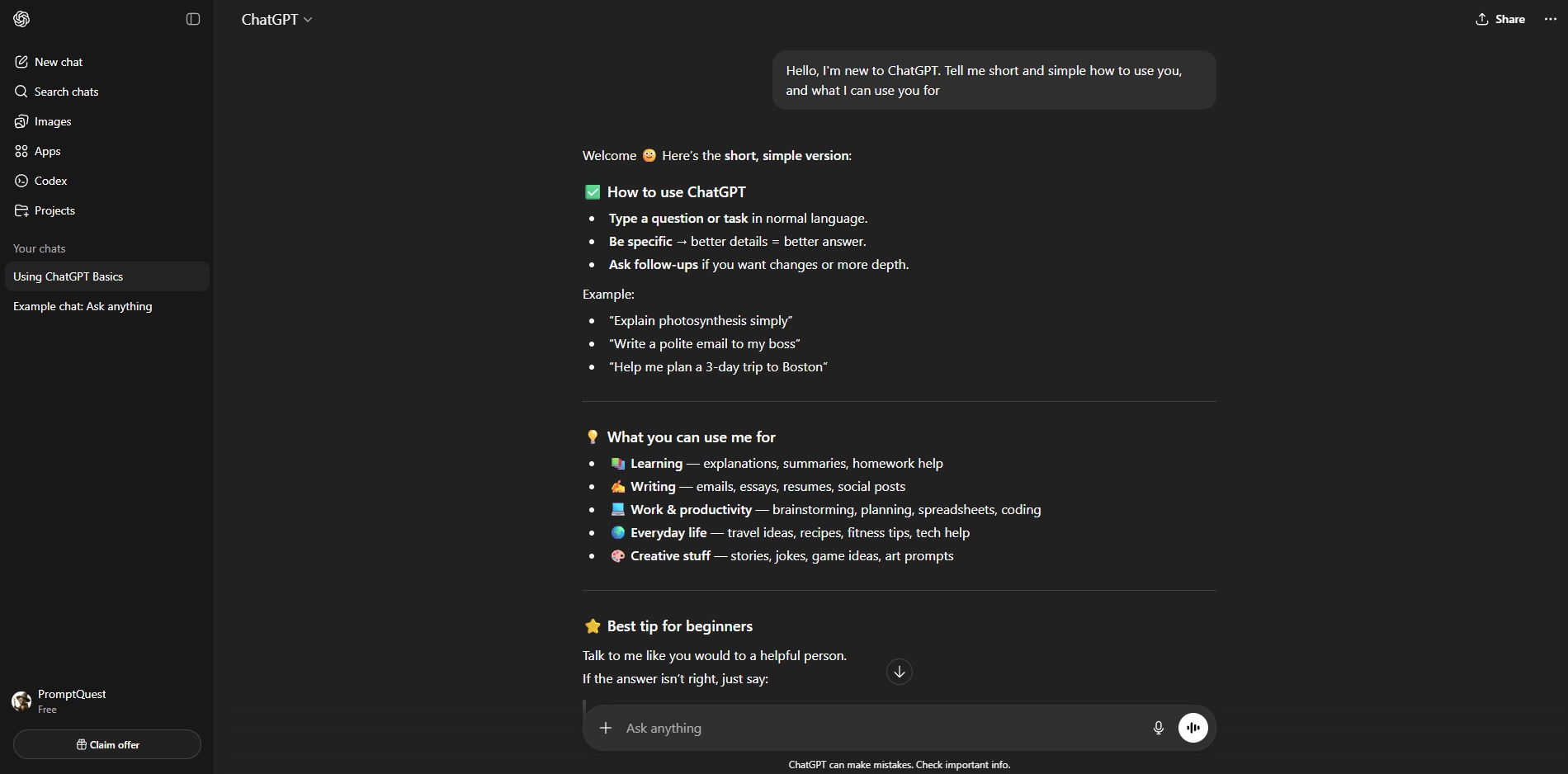
ChatGPT works by responding to text instructions, often called prompts. You describe what you want help with in the main chat window, and it replies in natural language. It can write or rewrite text, summarize content, explain topics in simple terms, adjust tone, translate text, answer questions, and help with planning or problem-solving. Clear and specific prompts usually produce better results, and you can refine responses by adding more details or asking follow-up questions. Like with other AI tools, ChatGPT is not always correct and can sometimes generate inaccurate information, so its responses should be treated as assistance rather than the absolute truth.

ChatGPT Resources

Various resources to learn more about how to use this tool, understand its capabilities better, and get ideas for different ways to use it

This video will guide you through the basics of using ChatGPT. If you have never used ChatGPT before, then this video is a great place to start

Once you have mastered the basics of using ChatGPT and are ready for some more advanced use cases, the video above is worth watching

Another video that shows more advanced uses is this one from Dan Martell. Here you can learn about master prompts and system prompts

Similar AI tools

CoPilot

Copilot

Microsoft Copilot is an AI assistant that helps with writing, research, summaries, data analysis, and day-to-day work, especially inside other Microsoft apps
Average rating 4 out of 5
Gemini

Gemini

Gemini quickly answers questions, helps with research and analysis, solves problems, writes and explains code, and assists with a wide range of tasks
Average rating 4 out of 5